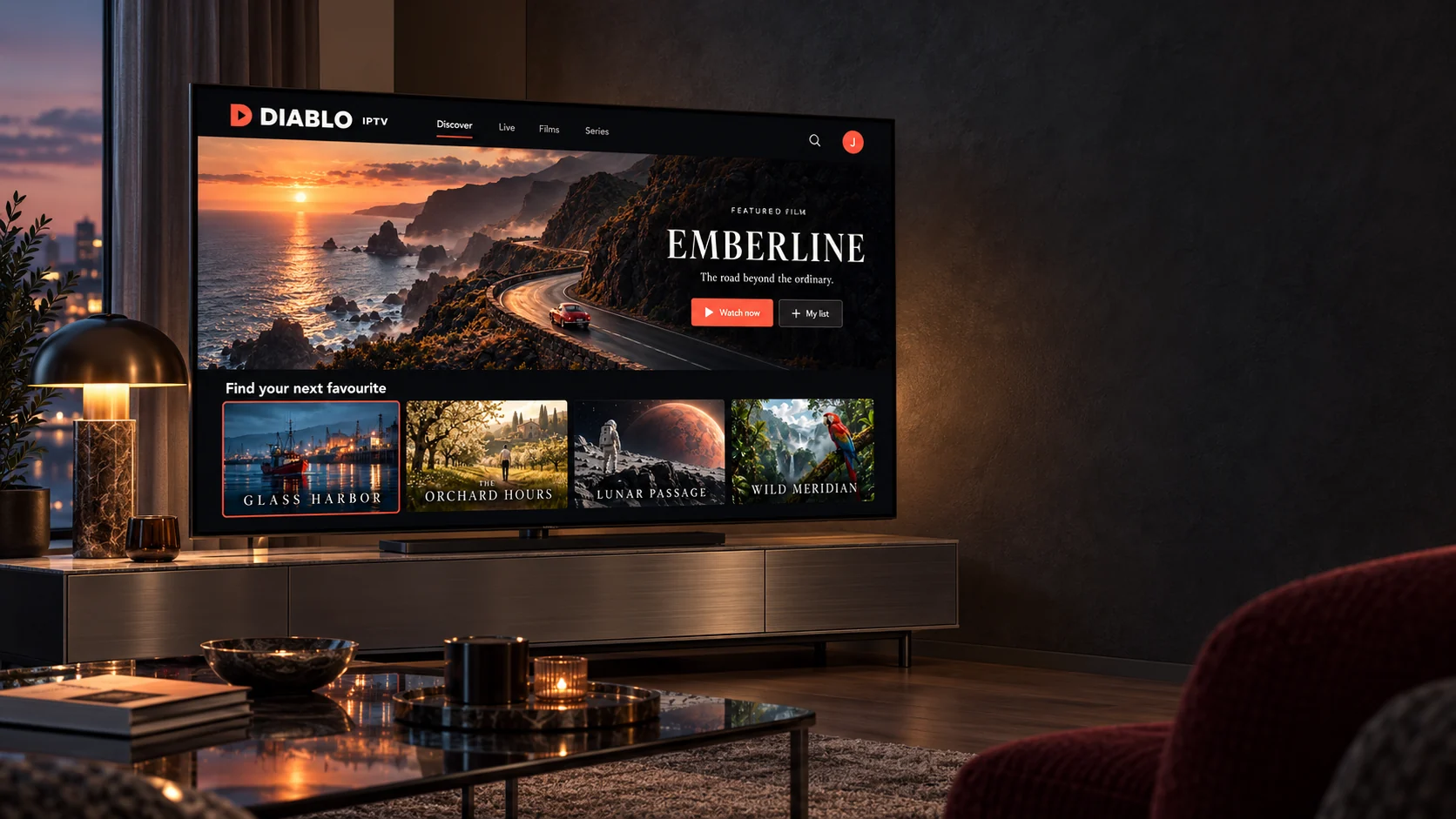
Subscriptions from one month to a full year

Diablo IPTV — IPTV plans for your viewing setup

Explore Diablo IPTV plans for your viewing setup. Choose up to 5 simultaneous connections, compare subscription lengths, and contact our team to confirm pricing and setup details before you commit to anything.

  • Works on the devices you already own
  • Setup guides written for each platform
  • A person to talk to before you order
How it works

Television over your internet connection, nothing bolted to the roof

IPTV stands for internet protocol television. Instead of arriving through an aerial, a satellite dish or a cable, the picture travels over the same broadband connection you already use for everything else. Your television, streaming stick or phone requests each channel as you select it, and the stream starts playing.

A Diablo IPTV subscription gives you three things: access for a fixed period, the connection details your player needs, and written setup steps for the specific device you intend to watch on. You install a compatible IPTV player from your device’s own app store, enter those details once, and the channel list and programme guide load into the app.

There is no installation visit and no hardware to buy if your television already has an HDMI port and a streaming stick plugged into it. What matters far more than any equipment is a stable connection — which is why the guides spend as much time on your network as they do on the app.


Diablo IPTV shown on a laptop, tablet and phone on a dark stone table.
Subscriptions

Diablo IPTV plans and pricing

Four subscription lengths, all carrying the same service. Choose how many devices need to play at the same time, then send us the plan you want — we confirm your exact total before any payment is arranged.

Simultaneous connections

One connection plays one stream at a time. You can install the player on more devices than that, but only the number you choose here can watch simultaneously.

1-Month IPTV

A short commitment for viewers who want to start with a single month.

$15.00 USDfor 1 monthEstimated total — confirm with our team
  • 39,000+ channels
  • 50,000+ TV series
  • 180,000+ movies
  • 4K Ultra HD quality, where the source supports it
  • EPG programme guide and 7-day catch-up
  • Instant activation
  • All supported devices
  • 24/7 WhatsApp support
Get 1 Month

Selected: 1 simultaneous device

3-Month IPTV

A flexible entry option for viewers who prefer a shorter commitment.

$28.00 USDfor 3 monthsEstimated total — confirm with our team
  • 39,000+ channels
  • 50,000+ TV series
  • 180,000+ movies
  • 4K Ultra HD quality, where the source supports it
  • EPG programme guide and 7-day catch-up
  • Instant activation
  • All supported devices
  • 24/7 WhatsApp support
Get 3 Months

Selected: 1 simultaneous device

6-Month IPTV

A balanced medium-term option without a full-year commitment.

$45.00 USDfor 6 monthsEstimated total — confirm with our team
  • 39,000+ channels
  • 50,000+ TV series
  • 180,000+ movies
  • 4K Ultra HD quality, where the source supports it
  • EPG programme guide and 7-day catch-up
  • Instant activation
  • All supported devices
  • 24/7 WhatsApp support
Get 6 Months

Selected: 1 simultaneous device

Orders are arranged with our team. We confirm the exact amount for your selected connections before any payment is made.

Catalogue sizes and feature availability are supplied by Diablo IPTV. What you can actually watch, and at what resolution, depends on the source stream, your player, your hardware and your connection. Catch-up and programme-guide coverage varies by channel.

Compare the plans in detail

Why choose us

Why choose Diablo IPTV?

Six things that genuinely affect how well Diablo IPTV works for you, rather than six badges.

It runs on what you already own

Fire TV sticks, Android TV boxes and televisions, Apple TV, phones, tablets, Windows and Mac. If a device can install an IPTV player and reach the internet, it is a candidate — and the devices page says plainly which ones need a little more work.

Setup written for your platform

Not one generic page, but a separate walkthrough for Firestick, Smart TV, Android TV and Apple TV, each listing what you need before you start and what the common failures actually mean.

Commit for a month or a year

A single month is a sensible way to find out whether this suits your household. Longer terms exist for people who already know it does. Nothing renews on its own and no card is held on file.

Connections you choose deliberately

Pick how many devices need to play at once rather than guessing. One connection suits one viewer; a busy household watching in separate rooms needs more, and we will tell you so rather than let you under-buy.

A person, not a ticket number

Every Diablo IPTV order is arranged in conversation, so the same thread that sorted your subscription is the one you come back to when a channel misbehaves. You can send a screenshot instead of describing a problem in words.

Straight talk about quality

Picture quality depends on the source stream, your player, your hardware and your connection — not on marketing. We would rather set that expectation now than have you discover it after paying.

Channels & content

Live channels, films and series in one place

A Diablo IPTV subscription covers both scheduled live television and an on-demand library. The categories below describe the shape of what is available; which specific channels reach you depends on your region and is confirmed with you before you order.

On demand

Films and series you start when you like

An on-demand library behaves like the streaming apps you already use: browse, pick a title, pause it, come back later. Episodes are grouped by season so a part-watched series is easy to resume.

Live

Scheduled television and a programme guide

Live channels run to a schedule, and the electronic programme guide shows what is on now and next. Guide depth and catch-up coverage vary from channel to channel rather than applying evenly across the list.

Live television

Scheduled channels playing in real time, the closest equivalent to traditional broadcast TV.

Films

On-demand titles you start when you choose, rather than catching at a scheduled time.

Series

Episodic programming organised by season, so you can pick up where you stopped.

Sport

Live sport is the most region-dependent category of all. Confirm what is available to you before you order.

News

Rolling news channels, typically available across a wide range of countries and languages.

International

Channels grouped by country and language — often the main reason people look at IPTV in the first place.

See how content availability is confirmed

The interfaces shown above are original design concepts. The titles, channels and teams that appear in them are invented for this website and are not a statement of what a Diablo IPTV subscription carries.

Compatible devices

Pick the device you actually watch on

Diablo IPTV works through a compatible IPTV player rather than an app of its own, which is why the first step is always the device in front of you. Each card below opens the guide for that platform.

One thing worth knowing before you buy a deviceThe subscription, the player app and the hardware are three separate things. Diablo IPTV supplies the subscription; the player comes from your device’s own app store; the hardware is yours. If a platform has no suitable player, no subscription can fix that — so check the compatible devices page before buying anything new.

A Diablo IPTV setup interface with a connected account on a laptop beside a phone showing fictional films.
Getting started

From choosing a plan to watching, in five steps

There is no checkout on this website. Every Diablo IPTV order is arranged with a person, which takes one extra message and removes every nasty surprise at the payment stage.

  1. Choose your plan Decide how long you want access for and how many devices need to play at the same time. Both are easy to change later; neither is worth guessing at now.
  2. Send your order to the team The button on each plan opens WhatsApp with your selection already written out. Send it, and we confirm the exact total and the payment method before anything is charged.
  3. Receive your setup details Once the order is settled, the Diablo IPTV team sends your connection details and the steps for your particular device in the same conversation, so nothing is scattered across email.
  4. Set up your device Install a compatible player, enter the details once, and let the channel list load. If a step does not go as described, reply in the thread rather than starting over.
  5. Start watching Browse the live channels and the on-demand library. It is worth testing a few channels in the first hour so anything odd can be looked at straight away.
Streaming quality

What actually decides how good the picture looks

Four things govern playback, and only one of them is the subscription. Knowing which is which turns most problems into a five-minute fix.

  • The source stream. A channel broadcast in standard definition will not become 4K on a 4K television. Resolution is set upstream, and no subscription changes that.
  • Your connection. Allow roughly 10 Mbps of steady throughput per HD stream and considerably more for 4K, multiplied by the number of connections playing at once.
  • Your network, not your speed test. Stability beats headline speed. Ethernet, or 5 GHz Wi-Fi within sight of the router, outperforms a fast line with a weak signal every time.
  • The player and the hardware. Older sticks and televisions have limited decoding power. Dropping the stream quality one step in the player often settles things completely.

We will not promise uninterrupted playback, and you should be wary of anyone who does. What Diablo IPTV can promise is that when something stutters, you have somewhere to send the screenshot.

Two people relaxing together while the Diablo IPTV library appears on their television.
Customer support

Talk to the Diablo IPTV team

Most questions are quicker to answer than to search for. These are the routes that reach us.

WhatsApp

The fastest route, and the only one where you can send a photograph of the screen you are stuck on. Orders and support both run through here.

Open a WhatsApp chat

Telephone

If you would rather explain the problem out loud, call the number below.

+44 7868 240819

What we can help with

  • Working out which subscription length and connection count suits your household
  • Installing and configuring a player on a specific device
  • Questions about an order, activation or renewal
  • Buffering, a channel that will not load, or a programme guide that looks wrong
  • Payment questions and refund requests
Visit the support page

We have not published staffed hours or a guaranteed response time, because we would rather not commit to something we have not measured. Send your message whenever suits you and we will reply as soon as we pick it up.

Questions

Frequently asked questions

The things people ask before ordering. If yours is not here, send it over — it probably belongs on this list.

What is Diablo IPTV?

Diablo IPTV is an IPTV subscription service. You buy access for a fixed period, we send you the details your player needs, and you watch over your normal internet connection on a television, streaming stick, phone, tablet or computer. There is no dish, no cable box and no engineer visit.

How does an IPTV subscription work?

Television is delivered as data over the internet rather than through an aerial, satellite dish or cable. Your subscription gives you a set of connection details. You enter those once into a compatible IPTV player app, the app loads the channel list and programme guide, and playback runs from there.

Which devices can I use?

Any device that can run a compatible IPTV player and reach the internet: Amazon Fire TV sticks, Android TV boxes and televisions, Apple TV, Android phones and tablets, iPhone and iPad, Windows and Mac computers, and many Smart TVs. Samsung and LG televisions run their own operating systems, so what is available there depends on that television’s app store.

How do I install a compatible IPTV player?

You install a player from your device’s own app store, open it, and add your subscription details. The exact steps differ by platform, so there is a separate guide for Fire TV Stick, Smart TV, Android TV and Apple TV. Each one lists what you need before you start and what to do if a step fails.

Can I use one subscription on several devices?

You can install the player on as many of your own devices as you like. What the subscription limits is how many of them can play at the same time. A one-connection subscription plays one stream at a time; if a second device starts playing, the first is likely to stop. Choose the number of simultaneous connections that matches how your household actually watches.

What internet connection do I need?

As a practical guide, allow roughly 10 Mbps of steady throughput per standard-definition or HD stream and considerably more for 4K, and multiply that by the number of connections playing at once. Stability matters more than headline speed: a wired Ethernet connection, or 5 GHz Wi-Fi close to the router, gives a far better result than a fast line with a weak signal.

How will I receive my setup instructions?

Orders are arranged directly with the Diablo IPTV team over WhatsApp. Once your order is confirmed, your connection details and the matching setup steps are sent to you in that same conversation, so everything stays in one place and you can ask a follow-up question without starting again.

How do I contact customer support?

WhatsApp is the fastest route, because you can send a screenshot of whatever you are seeing. You can also call +44 7868 240819. Telling us your device, your player app and the exact wording of any error message usually removes a whole round of questions.

How do I renew my subscription?

Message the team before your current period ends and ask to renew. Renewing on the same details usually means you keep your existing setup and nothing has to be reconfigured on your devices. Nothing is charged automatically — there is no stored card and no recurring billing, so a subscription simply stops at the end of its term unless you renew it.

What should I do if my stream buffers?

Work through it in order: test the same channel on a second device, switch the device from Wi-Fi to Ethernet if you can, restart the router, then lower the stream quality in your player. If one channel stutters while the rest are fine, the problem is that source rather than your setup — send us the channel name and we will check it.

Read every question and answer

Next step

Ready to explore Diablo IPTV?

Browse the available Diablo IPTV subscription options, or message the team for help choosing a plan and getting your device set up. Asking first costs nothing and saves a lot of guessing.

Or call +44 7868 240819

Chat on WhatsApp